Fax Cover Sheet for Job Application (Free Resume Templates)
Some employers still ask for applications by fax, especially healthcare offices, government agencies and smaller local businesses. A clear cover sheet tells the hiring team who you are, which job you want, and what you’ve sent, so your resume doesn’t get lost in a shared fax tray.
Most used
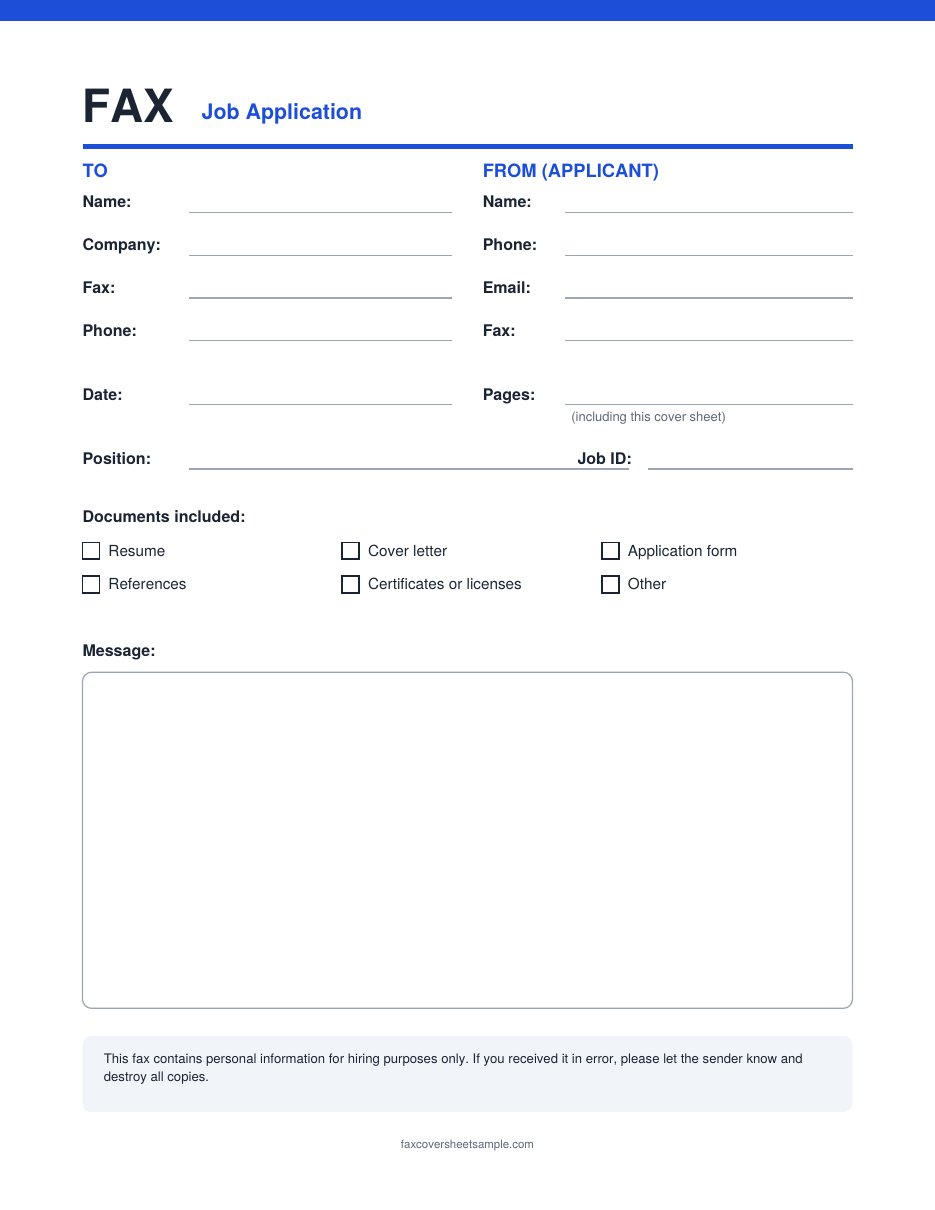
Job Application Fax Cover Sheet
When to fax a job application
Most employers now use online applications or email. Fax a job application only when:
- The job posting lists a fax number as a way to apply
- The employer asks you to fax signed forms, references or copies of licenses
- The office has no online portal or email option for applications
If the posting gives you a choice, follow the method the employer lists first. It’s usually the one the hiring team checks most often.
Free job application fax templates
Both templates are free, sized for US Letter paper, and tested to print on one page.
Job Application Fax Cover Sheet
Best for: sending several documents at once, like a resume, cover letter and application form.
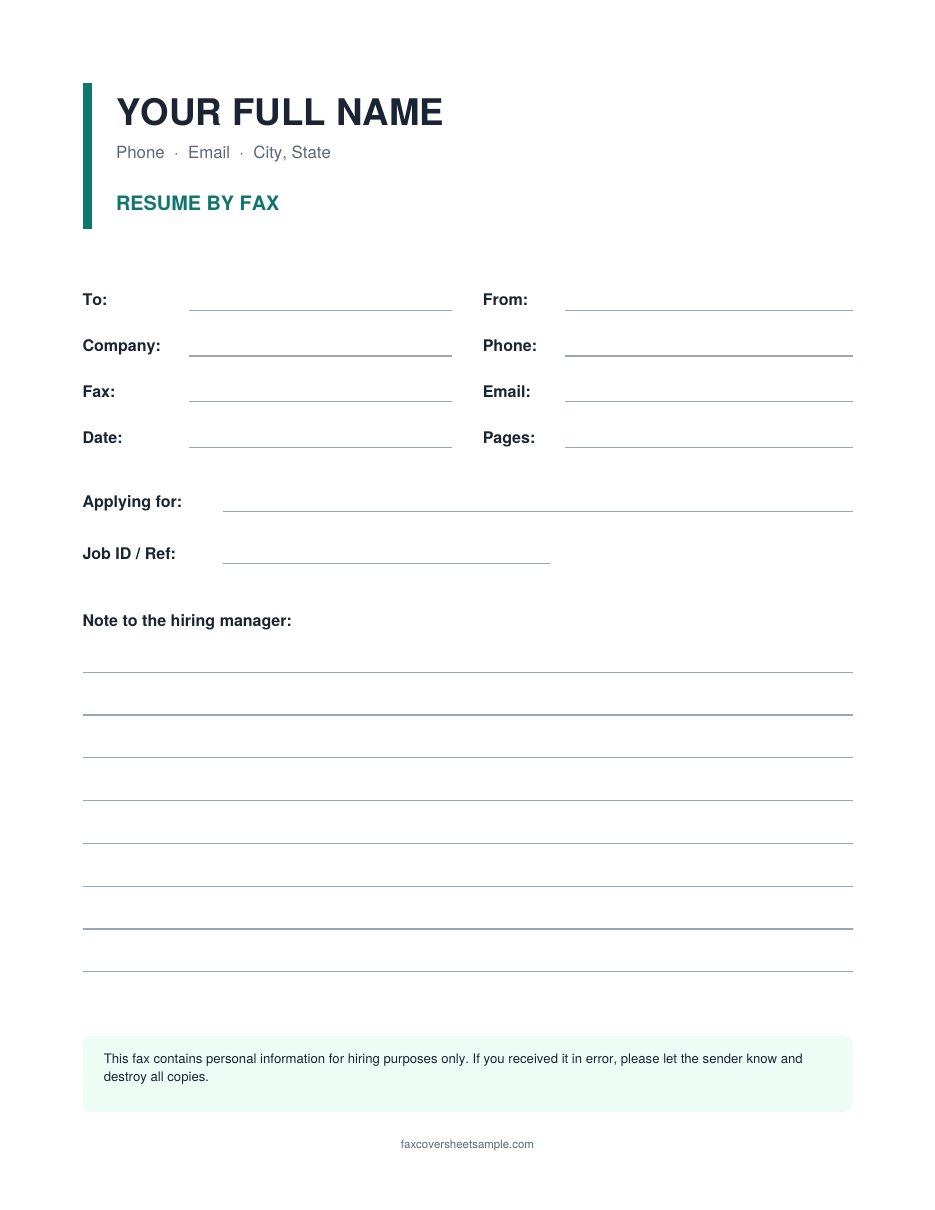
Resume Fax Cover Sheet
Best for: sending just your resume, with your name and contact details at the top like a letterhead.
What to include on a job application fax cover sheet
- Recipient: the hiring manager’s name if you know it, or “Hiring Manager” or “Human Resources”
- Company name and fax number exactly as shown in the job posting
- Your name, phone number and email, so they can contact you without opening the resume
- Position title and job ID, since many offices hire for several roles at once
- Total pages, including the cover sheet
- A list of what’s attached, such as resume, cover letter and references
- A short message of two or three sentences
Tip: the cover sheet is not your cover letter. Keep the message short here, and put your full pitch in a separate cover letter page.
How to fill it out
- Copy the details from the job posting. Use the exact job title, job ID and fax number listed.
- Address it to a person if you can. If the posting names a contact, use their name. If not, write “Hiring Manager.”
- Add your contact details. Use a professional email address and a phone number you answer.
- Tick the documents you’re sending and count all pages, including the cover sheet.
- Write a short message naming the role and what’s attached. Sample messages are below.
- Put the pages in order: cover sheet, cover letter, resume, then any extra documents.
For more detail on each field, see our step-by-step guide on how to fill out a fax cover sheet.
Filled-in example
Here’s a completed cover sheet for a medical office assistant job. The name, company and numbers are made up.
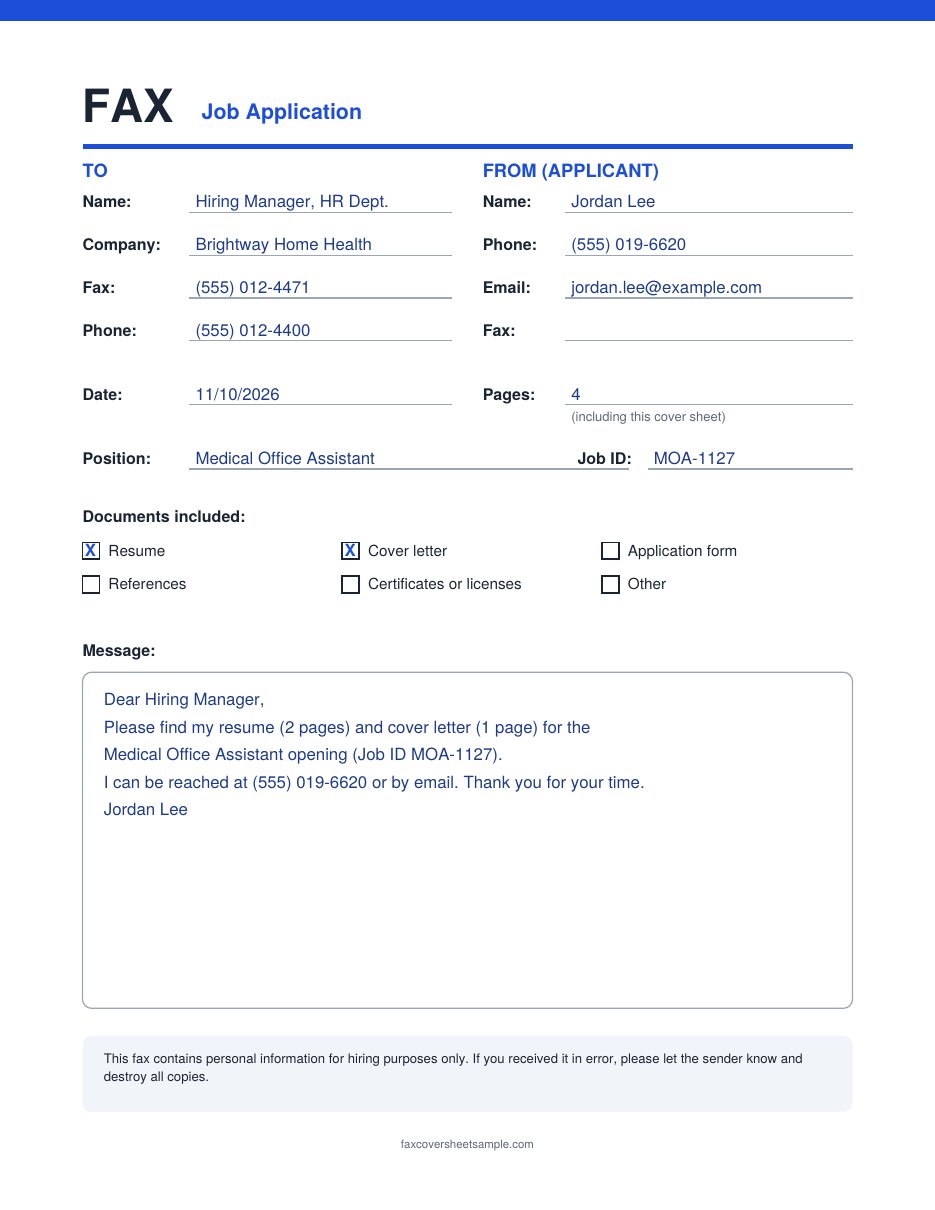
- “Hiring Manager, HR Dept.” gets the fax to the right desk without a name.
- The job ID (MOA-1127) matches the posting, so HR can file it under the right opening.
- Pages: 4 means a 2-page resume, a 1-page cover letter, and the cover sheet.
- The message is short and repeats the phone number for a quick callback.
You can also open this example as a PDF.
Sample messages you can use
Copy one of these into the message box and change the details.
Applying for a posted job
Dear Hiring Manager, please find my resume and cover letter for the [Job Title] position (Job ID [number]). I can be reached at [phone] or [email]. Thank you for your time.
Sending documents the employer asked for
Hello [Name], as requested, here are my signed application form and a copy of my [license or certificate] for the [Job Title] role. Please let me know if you need anything else.
Following up after an interview
Hello [Name], thank you for meeting with me on [date]. Attached are the references you asked for. I look forward to hearing from you.
Tips and mistakes to avoid
- Don’t fax a fancy resume design. Faxes print in black and white, and colors, photos and thin fonts can turn into gray blurs. Send a clean, simple version.
- Don’t put sensitive numbers on the cover sheet. Leave out your Social Security number and date of birth unless the employer specifically asks for them on a form.
- Don’t skip the job ID. Without it, your resume may sit in a general pile.
- Do keep a copy of the fax confirmation page or sent receipt, with the date and time.
- Do follow up with a short call or email after a few business days if the posting allows it.
FAQs
Is a fax cover sheet the same as a cover letter?
No. The fax cover sheet is a short first page with contact details and a page count. A cover letter is a full page explaining why you fit the job. When you fax an application, send both: cover sheet first, then the cover letter.
Who should I address the fax to?
Use the contact name in the job posting. If there isn’t one, write “Hiring Manager” or “Human Resources” and add the company name.
Should I count the cover sheet in the page total?
Yes. Include it so the employer can check that all pages arrived. For example, a 2-page resume plus a cover sheet is 3 pages.
Can I edit these templates in Word?
Yes. Download the Word file, type your details, then print it or save it as a PDF to send through an online fax service.
How do I know my fax arrived?
Most fax machines and online fax services give you a confirmation page or receipt. Keep it. If you don’t hear back, a short call to the office can confirm they received it.
Need a different style? Browse our business fax cover sheets or the full fax cover sheet template collection.