A fax cover sheet template is a single page document that is sent before or along with a fax transmission. This is an important document that contains key information such as the name of the sender and receiver, phone numbers, fax numbers, date, number of fax pages, subject or context of the fax, etc. The purpose of sending a fax cover sheet is to let the receiver know who’s sending the fax, what’s the context, and who’s the correct recipient. With a fax cover sheet attached, you can ensure that the fax is delivered to the intended recipient.
Sending confidential or secret information, especially related to finance and medical, is always a concern. A fax cover sheet with a confidentiality statement or disclaimer is used while sending medical reports or any confidential information. This is one reason faxing is still used in medical and legal offices: a fax goes straight to the receiving machine, and a cover sheet with a confidentiality notice tells anyone else who sees it what to do. No method of sending documents is fully secure, so always double-check the fax number before you send.
Faxing can be done for both personal and professional work. For professional or business purposes, make sure to choose a cover sheet that has space for the logo & name of the company for branding and recognition purposes. Different types of fax cover sheets are available out there, and each type has its own usage & features. Some of the types are listed below:
14 Types of Fax Cover Sheets
- Confidential Fax Cover Sheet
- Google Docs Fax Cover Sheet
- Blank Fax Cover Sheet
- Professional Fax Cover Sheet
- Personal Fax Cover Sheet
- Finance Fax Cover Sheet
- Education Fax Cover Sheet
- Accounting Fax Cover Sheet
- Marketing Fax Cover Sheet
- School Fax Cover Sheet
- Job Fax Cover Sheet
- Business Fax Cover Sheet
- Company Fax Cover Sheet
- Construction Fax Cover Sheet
What is a fax cover sheet?
Faxing is a part of government offices, medical offices, and many other businesses because it’s a convenient and easy mode of communication. A fax cover sheet is a document that is used to protect the fax contents and to ensure the fax reaches the right recipient.
In big offices, a single fax machine is used by a number of people. Therefore, it becomes essential to attach a fax cover sheet so everyone knows the right recipient of a fax.
A fax cover sheet, also known as a fax cover page or letter, is a single page document that is sent to the recipient before the actual fax message. There could be different reasons for sending a cover sheet, such as protecting the content of the actual fax message, adding more details about the intended recipient, etc. We advise the use of a cover page because it makes your fax more formal and professional. Never leave an opportunity to make an impact, therefore, use a fax cover sheet!
Types of Fax Cover Sheet Template Explained
Each template below shows a full preview. Click the preview to see it full size, or use the button to download the file.

WordBest for: medical reports and private business papers
Confidential Fax Cover Sheet
Use a fax cover sheet with a confidentiality statement if you have confidential information to send. This type of sheet has “Confidential” written on it in a big bold font size. There is also a confidentiality statement or disclaimer at the end of this sheet. A confidential cover sheet is often used for sending medical reports or important business documents where privacy has to be upheld. The purpose of using this cover sheet is to keep the sensitive information secure and to ensure the fax reaches the right recipient only. These sheets are often used in the business, legal, and health sectors. Check out the template and print it for your use.

WordBest for: editing online, then printing
Google Docs Fax Cover Sheet
Google Docs is one of the most preferred fax cover sheet formats because it allows users to make changes to a cover sheet online, download it, and print it. A blank fax cover sheet is shared here as a Word file. Click the download button, then upload the file to Google Drive and open it with Google Docs, where you can make changes as per your need, add or remove fields, change the font, color, etc. The use of Google Docs cover sheets has increased a lot after the boom in the use of digital files.

PDFBest for: filling in by hand
Blank Fax Cover Sheet
Are you working in a place where faxing is used as a mode of communication? If yes, then you must have a well made blank fax cover sheet template so you can customize it the way you want to. A blank cover sheet is a base template that can be used to make any type of cover sheet. Sending a fax cover page before the fax is recommended to make your fax more formal and professional. Download this free blank template to make a cover sheet for your work needs or requirements.
WordBest for: banks, billing and accounting
Finance Fax Cover Sheet
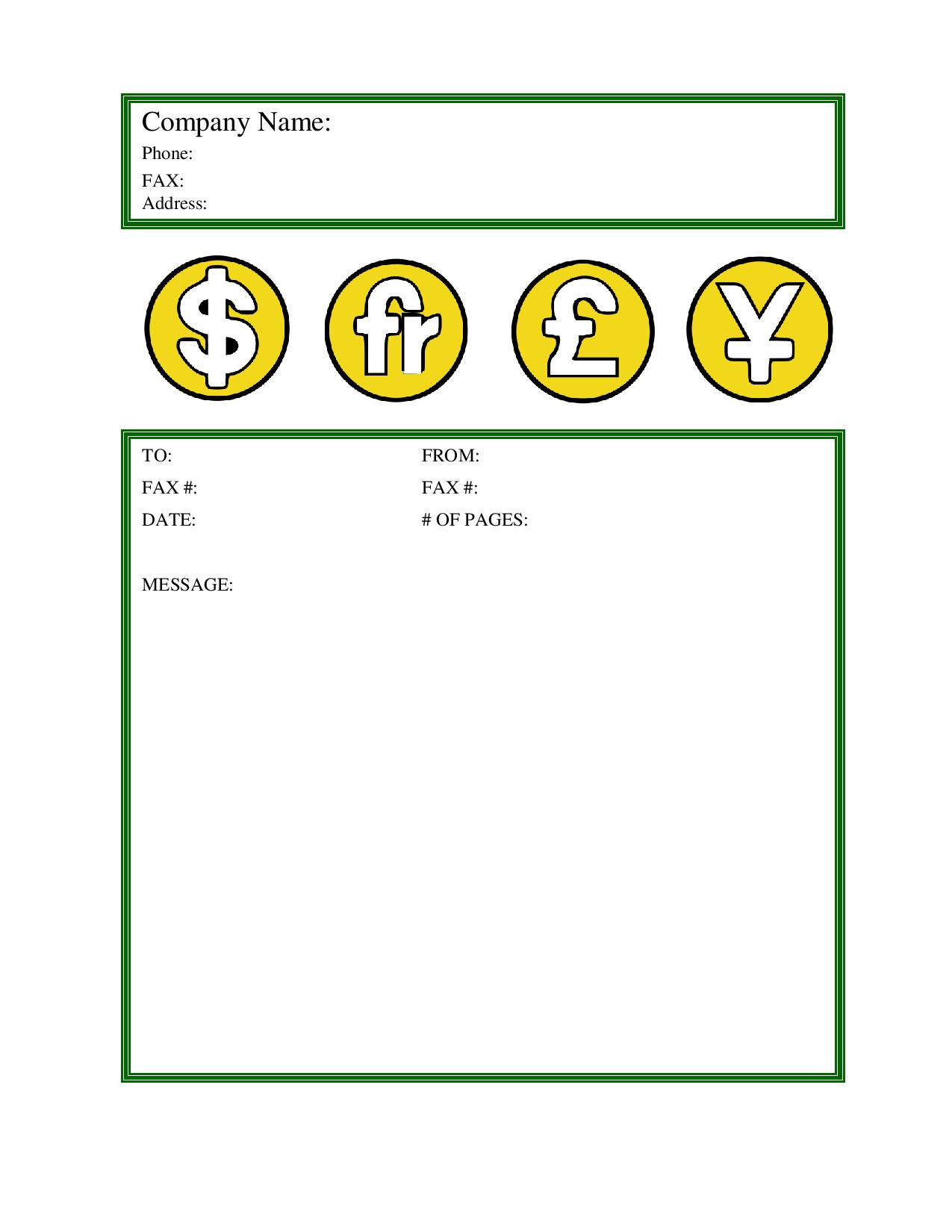
A finance fax cover sheet comes in handy when it comes to sending vital information related to finances. A basic fax cover page includes basic information such as the name of the business, fax number, phone number, names of both sender & recipient, subject of the document, date, total number of fax pages, and a short message about the financial report. If the information is sensitive, then you can write down a confidentiality statement or disclaimer as well. Check out the finance fax cover page and download it for your use.
WordBest for: joint promotions between companies
Marketing Fax Cover Sheet
A marketing fax cover sheet is used when it comes to marketing work or products. Many companies collaborate with each other for a joint promotional event to market their products or services, and a marketing fax cover page is suitable for communication between companies in such a scenario. Download the marketing fax cover sheet template as a Word file and add your company details before you print.

PDFBest for: formal business faxes
Professional Fax Cover Sheet
Fax cover pages are used for both personal and professional communications. In this section, we are talking about the professional or business fax cover pages which are used in medical, government, and private offices where it’s required to send important documents or information securely. A professional fax cover page has the name and logo of a company on it, and only a formal font type or size is used. There is no room for using any informal font or design. Check out the professional fax cover sheet template and make your business communication more professional with a fax cover sheet or page.

PDFBest for: faxing from home
Personal Fax Cover Sheet
It’s clear from the name: this cover sheet is primarily used for personal or informal communications. There is no logo or name of a company because no business is involved. All the basic fax cover sheet details are included in it, including the name of the sender/receiver, fax numbers, fax subject, etc. A lot of creativity and design skill can be showcased in a personal fax cover sheet. There is room to use different types of fonts and font sizes, add images or graphics, etc. You can make changes to this simple personal fax cover sheet template to make a cover sheet for your personal or informal communications.

PDFBest for: clinics and medical offices
HIPAA (HIPPA) Fax Cover Sheet
A HIPAA (often spelled HIPPA) fax cover sheet is used in the medical sector. It has a disclaimer that states the transmission may contain protected health information. The purpose of sending this cover sheet is to state that the faxed information is confidential and only the intended recipient should read it, so that the health information is protected from public view when the fax is received. There is always an issue of a fax being received by another person, because a single fax machine is used by many people in big offices. In order to protect a fax document from public view, you can use a confidential cover sheet.

PDFBest for: faxing a resume to an employer
Job Fax Cover Sheet
As a job seeker, you should never miss an opportunity to make an impact on the employer or hiring manager. There is always a debate on the use of a fax cover sheet. We always advise our users, especially job seekers, to use a cover sheet in order to strengthen their job profile. Sending a fax cover sheet makes your fax more formal and professional. It’s an opportunity for job seekers to showcase their professionalism and to highlight why they are a perfect fit for a particular job position.
NewFillable PDFBest for: typing on screen, then saving
Fillable Fax Cover Sheet (PDF)
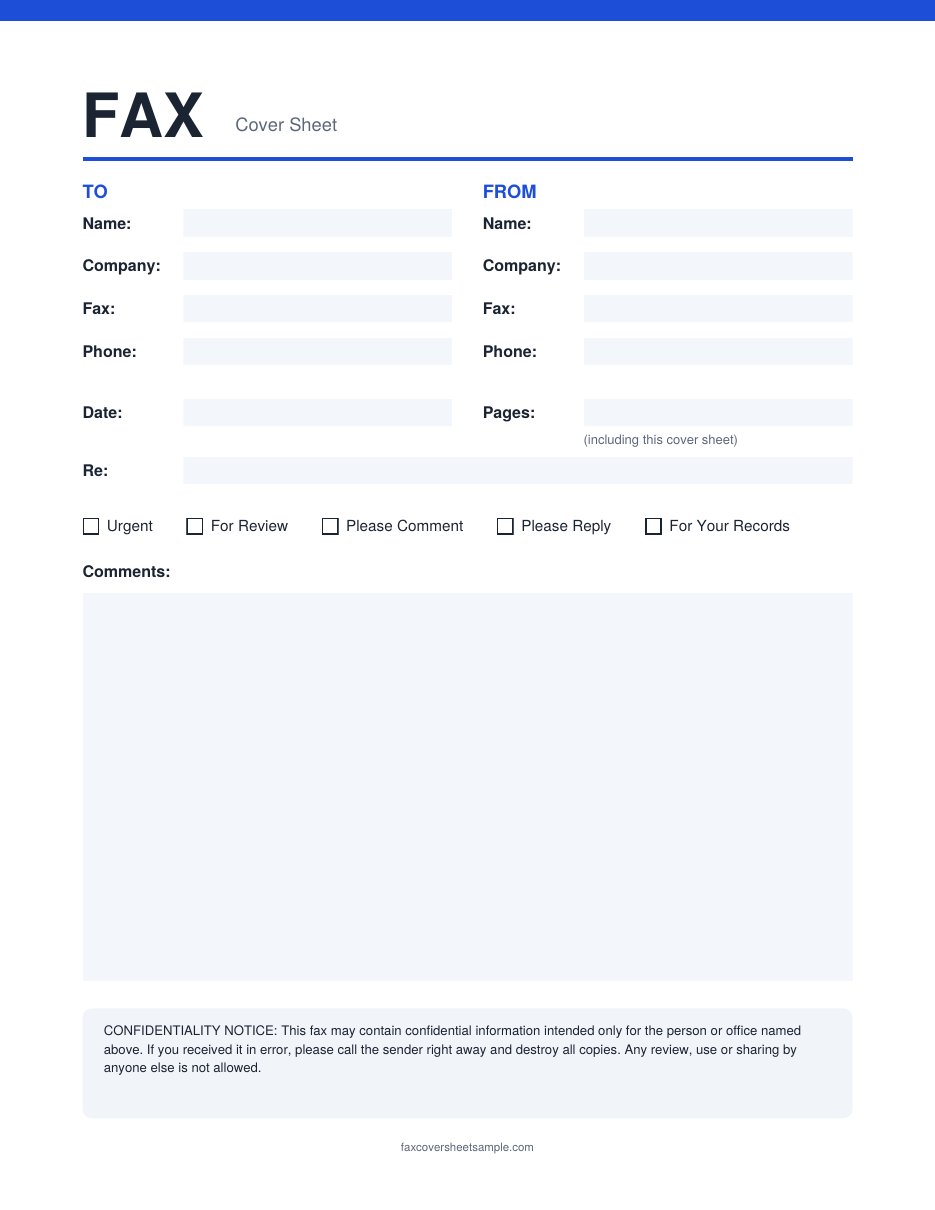
A fillable fax cover sheet lets you type right into the form on your computer. Open the PDF in a free reader like Adobe Acrobat Reader, click a field and start typing. Fill in the To and From details, the date, the number of pages and a short note, then tick boxes such as Urgent or Please Reply. Save the file and attach it to an online fax, or print it for a fax machine. It’s the quickest way to get a neat cover sheet without any handwriting.
NewFillable PDFBest for: companies that add their own logo
Business Fax Cover Sheet with Logo Space
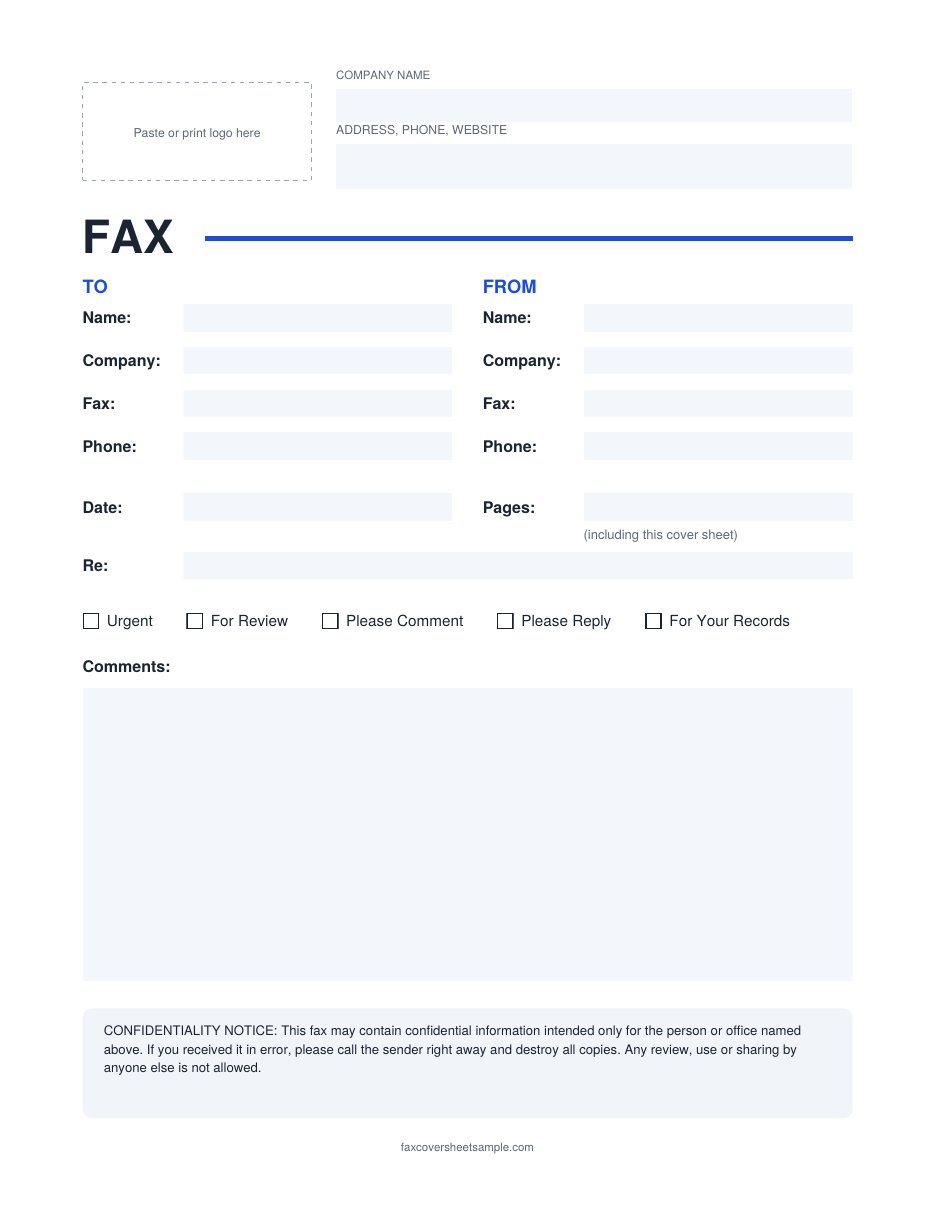
This business fax cover sheet has a space at the top for your company logo, along with fields for your company name, address and phone number. Every field is fillable, so you can type your company details once, save the file, and reuse it for every fax. There is also a confidentiality notice at the bottom. Use it when you fax invoices, contracts, quotes or forms to clients and want the fax to look like it came from your office.
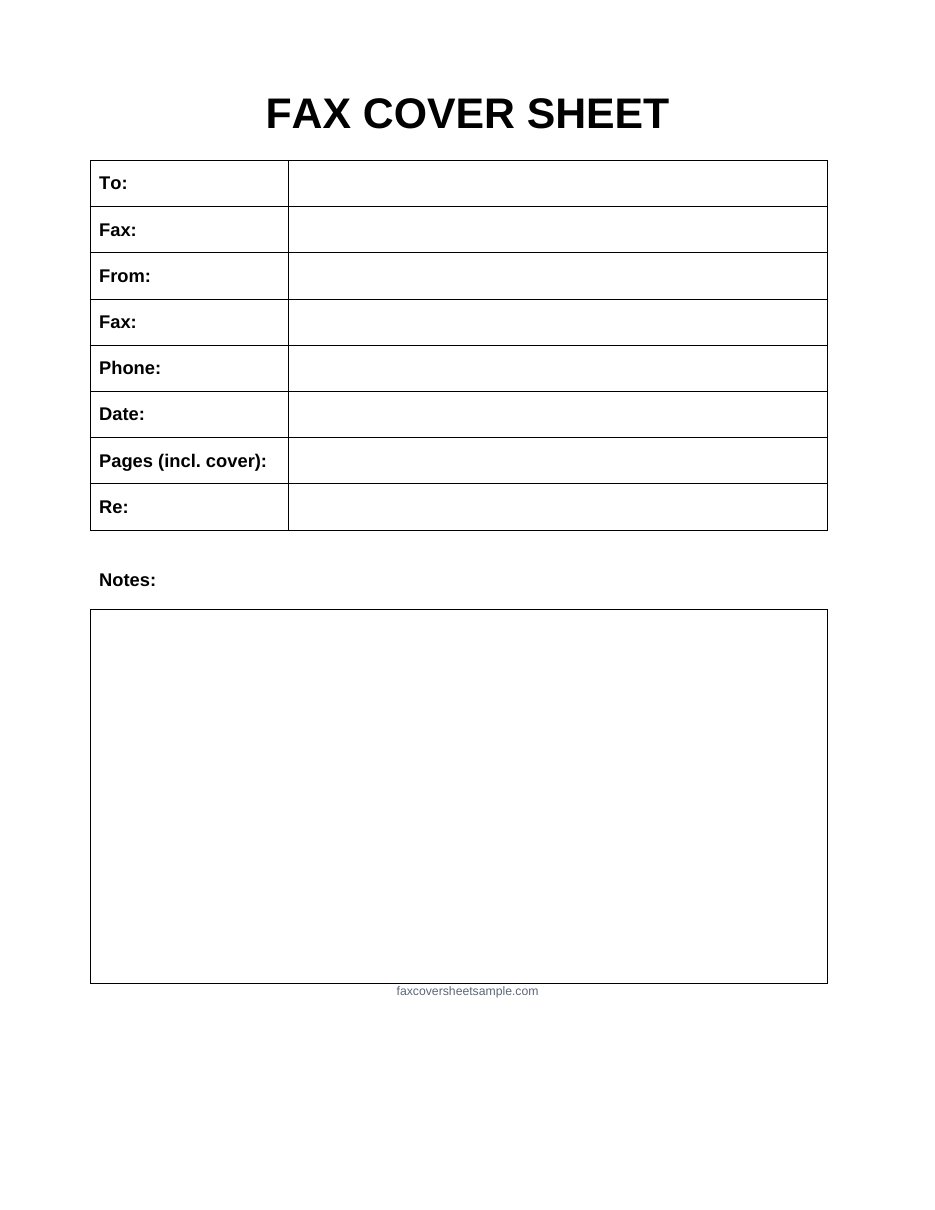
NewWordBest for: quick, everyday faxes
Basic Fax Cover Sheet
The basic fax cover sheet keeps things simple. It has only the fields most faxes need: To, From, fax numbers, phone, date, pages and a short Re line, plus a box for notes. Because it’s a Word file, you can type your details on screen, change the font, or add your name before you print. It also opens in Google Docs. Pick this one for quick, everyday faxes where you don’t need a confidentiality notice.
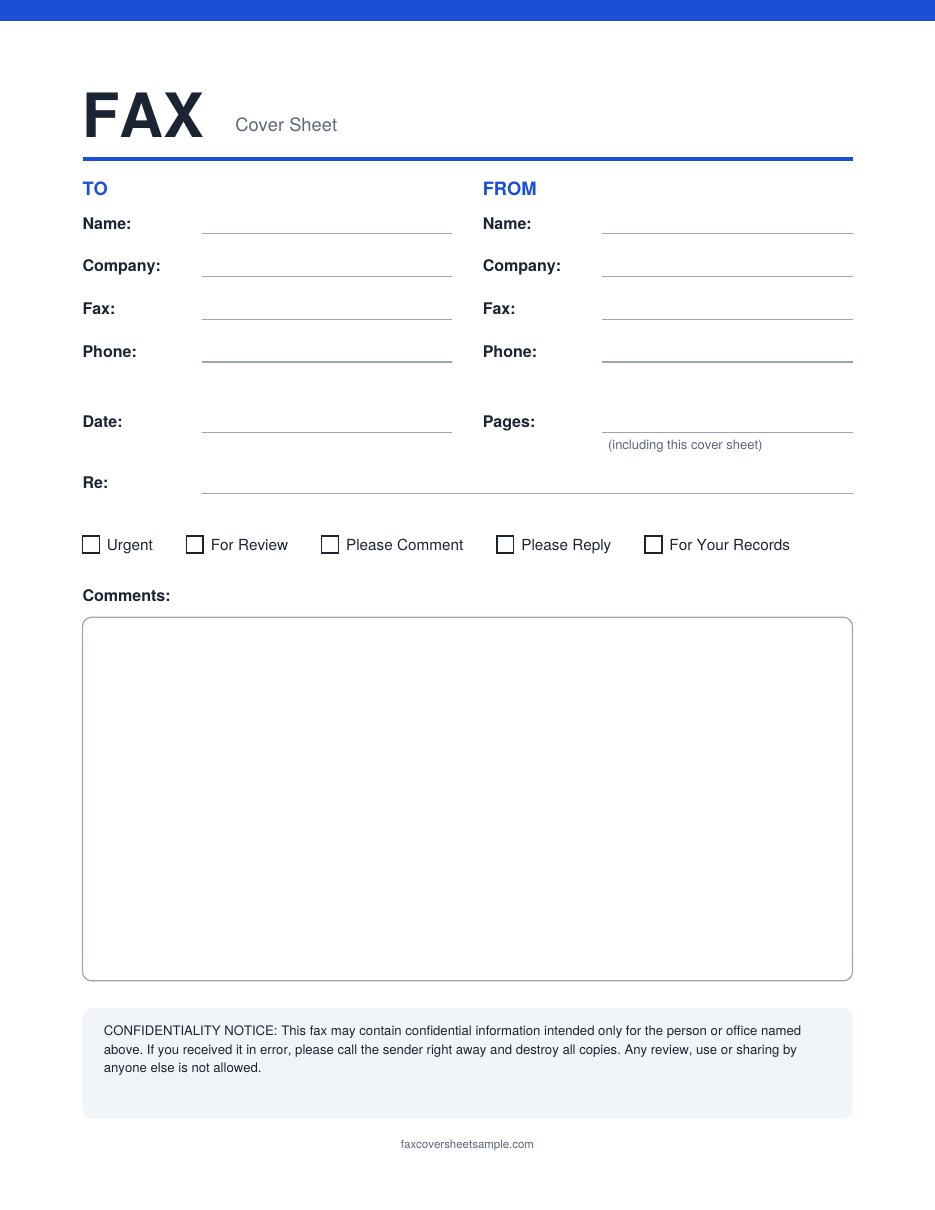
NewPDF + WordBest for: any fax, with every field included
Standard Fax Cover Sheet
The standard fax cover sheet includes every field a receiver expects to see: both names, both fax and phone numbers, the date, the page count, a subject line, check boxes such as Urgent or For Review, and a comments area. It also has a short confidentiality notice at the bottom. Print the PDF and fill it in by hand, or download the Word version to type your details first. Not sure what goes in each field? Our step by step guide walks you through it.
How Does Faxing Work?
Fax is the telephonic transmission of both text and images to a telephone number connected to an output device such as a printer. Many people are curious to know how faxing actually works. Here is how it works:
Work of the Sending Machine: The original document is scanned by a fax machine, which processes the contents (text or images) as a single fixed graphic image, then converts it into a bitmap, and finally transmits it through the telephone system in the form of audio-frequency tones.
Work of the Receiving Machine: The receiving fax machine interprets the tones and reconstructs the image, printing a paper copy.
This is how faxing works. Over a period of time, just like other technology, faxing has evolved too. These days you can do online faxing as well. There are plenty of online fax services available that allow you to send & receive fax messages with ease.
What to Include in a Fax Cover Sheet?
Following is the basic information that you are required to include in a fax cover sheet.
Sender’s Information
Write down your personal information or your company’s information such as name, phone number, email address, fax number, etc. The purpose of adding this information is to let the recipient know who is sending the fax. It is important to add the sender’s details.
Recipient’s Information
Write down the recipient’s personal information or company’s information such as name, phone number, email address, fax number, etc. The purpose of adding this information is to let the receiver know who the right recipient is. It is important to add the recipient’s details.
Number of Pages
Write down the number of fax pages that you’re sending, including the cover sheet. It’s important to specify the number of pages so that the recipient can verify how many pages are received through the fax.
Date of Transmission
Add the date you send the fax document so that the recipient knows exactly when you sent your document.
Subject/ Purpose of Fax
The purpose or the subject of the fax should be clear to the recipient from the cover sheet itself. By stating the purpose, you can expect a quick response from the recipient because they already know what action is required from their side.
These are only some of the basic information that you can add. Apart from this information, you can add fields or information as per your work need or requirement. For a field by field walkthrough with a filled-in example, see our guide on how to fill out a fax cover sheet.
Which Fax Cover Sheet Should I Use?
Find your situation in the table, then click the template name to jump to it.
More Fax Cover Sheet Guides
- How to Fill Out a Fax Cover Sheet: a field by field guide with a filled-in example
- Basic Fax Cover Sheet: simple one page sheets in PDF and Word
- Fax Cover Sheet PDF: printable and fillable PDF templates
FAQs
Are these fax cover sheets free?
Yes. Every template on this page is free to download, edit and print for personal or business use. You don’t need to sign up.
What is the difference between the PDF and Word files?
PDF files are ready to print and fill in by hand. Word files can be edited on screen before you print. The fillable PDFs let you type into the fields using a free PDF reader.
Can I use these templates in Google Docs?
Yes. Upload the Word file to Google Drive, then open it with Google Docs to edit it online.
Should I count the cover sheet in the page total?
Yes. Count the cover sheet as page 1 so the receiver can check that every page arrived.
Does a cover sheet make a fax secure?
No. A confidentiality notice tells a wrong receiver what to do, but it can’t stop a fax from going to the wrong number. Always double-check the number before you send.