Basic Fax Cover Sheet Printable Free PDF Template
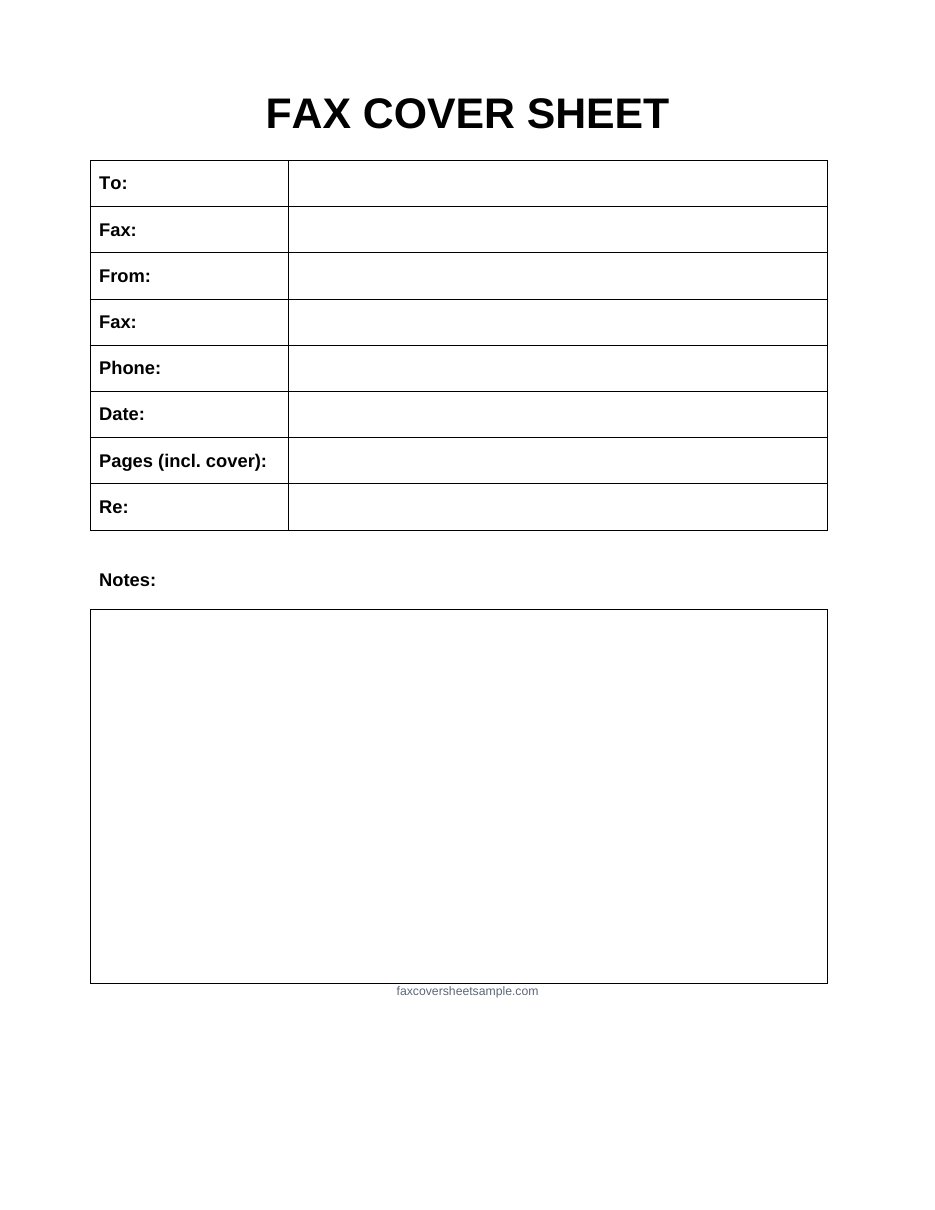
A basic fax cover sheet has only the fields you really need: who the fax is for, who it’s from, the date, the page count and a short subject. Pick a template below, download it free, and print it or edit it in Word.
Free basic fax cover sheet templates
All four are free and sized for US Letter paper. Click any preview to see it full size.

Basic Fax Cover Sheet Template

Basic Fax Cover Sheet PDF

Basic Fax Cover Sheet Printable
Basic Fax Cover Sheet in Word
The 6 fields every basic cover sheet needs
If a cover sheet has these six fields filled in clearly, the receiver knows exactly what arrived and how to reach you.
| Field | What to write | Example |
|---|---|---|
| To | The person or department, and their fax number | Front Desk, (555) 013-7710 |
| From | Your name and fax number | Sam Patel, (555) 016-2045 |
| Phone | A number where the receiver can call you | (555) 016-2000 |
| Date | The day you send the fax | 11/09/2026 |
| Pages | Total pages, counting the cover sheet | 2 |
| Re | A few words on what the fax is about | Signed repair estimate |
Tip: if you only have room for one extra line, use it for a short note telling the receiver what to do next, like “Please call when ready.”
How to fill out a basic cover sheet in 5 steps
- Write the receiver’s name and fax number. If you don’t know a name, use the department, like “Front Desk” or “Billing.”
- Add your own name, fax and phone number, so the receiver can reply or call if a page is missing.
- Write today’s date.
- Count every page, including the cover sheet, and write the total.
- Fill in the Re line and a one-line note, such as “Signed estimate attached. Please call when ready.”
For more detail on each field, see how to fill out a fax cover sheet.
When a basic sheet is enough
A basic cover sheet works well for everyday faxes where nothing private is being sent:
- Signed forms, estimates or order confirmations
- Receipts, invoices or delivery notes
- Quick replies to a business that asked you to fax something back
Choose a different sheet when:
- The fax holds private details, like health, legal or financial records. Use a cover sheet with a confidentiality notice.
- You’re sending from a medical office. Use a medical fax cover sheet.
- You want your company name on it. Use a business fax cover sheet.
- You’d rather type than write. Use a fillable PDF.
Basic vs simple vs standard
These three names are often used for the same thing, but on this site each one means something a little different:
| Basic | Simple | Standard | |
|---|---|---|---|
| Focus | Only the essential fields | A clean, minimal design | A complete, all-purpose layout |
| Status checkboxes | No | Sometimes | Usually (Urgent, For Review, Please Reply) |
| Confidentiality notice | No | Sometimes | Usually |
| Best for | Quick, everyday faxes | A neat look with little to fill in | Offices that send many kinds of faxes |
Need a few more fields than a basic sheet? See our simple fax cover sheets or standard fax cover sheets.
Filled-in example
Here’s a basic cover sheet sent to an auto repair shop. The names and numbers are made up.
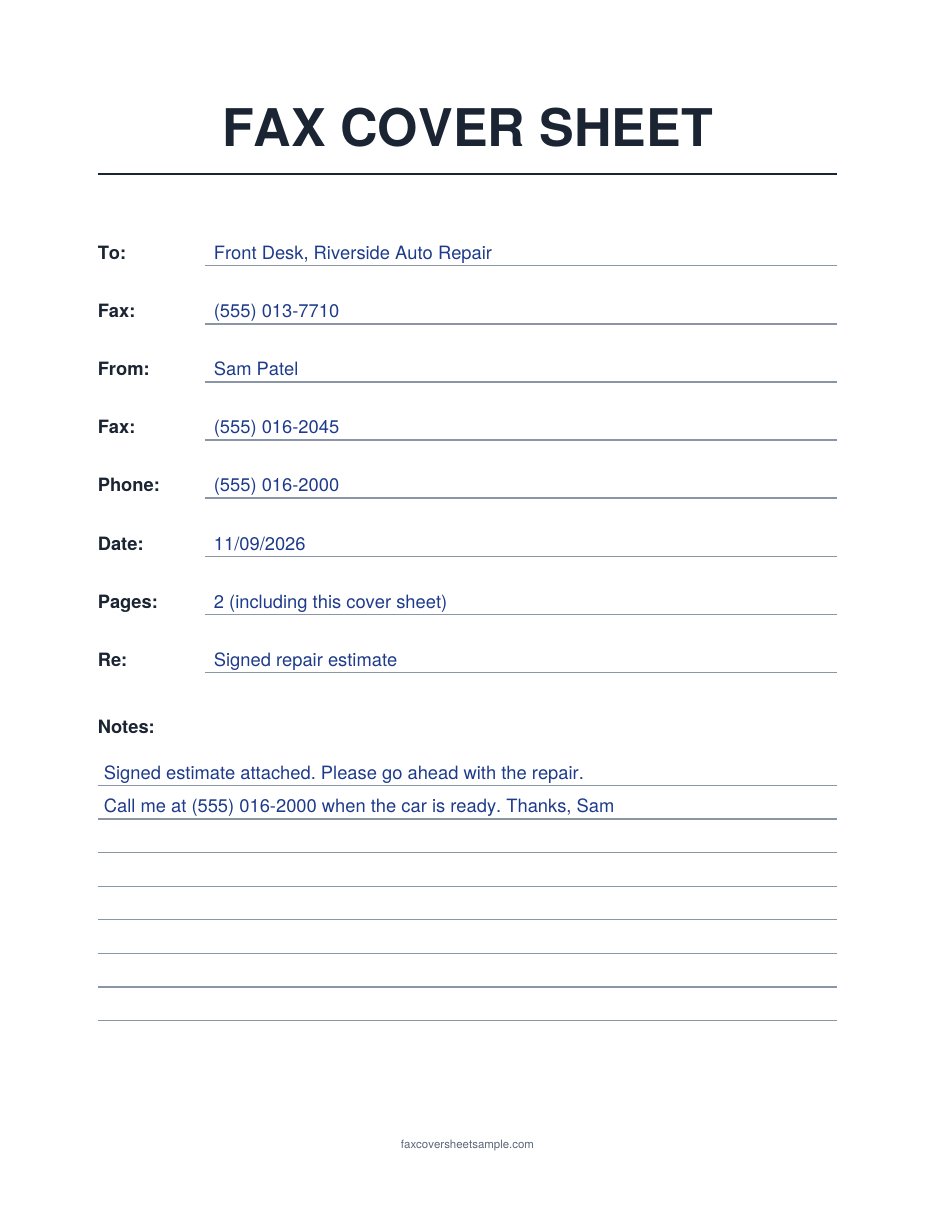
- “Front Desk” works when you don’t know a name.
- Pages: 2 means a 1-page estimate plus the cover sheet.
- The Re line says exactly what’s attached.
- The note gives one clear next step and a callback number.
You can also open this example as a PDF.
Printing tips
- Print at 100% or “Actual size” on US Letter paper, so nothing gets cut off at the edges.
- Use a dark pen. Faxes are sent in black and white, and pencil or light ink can fade out on the other end.
- Write in clear block letters, especially for numbers. A wrong digit in a phone number makes the sheet useless.
- Print a small stack if you fax often, so you always have one ready.
FAQs
What makes a fax cover sheet “basic”?
It sticks to the essential fields: recipient, sender, phone, date, page count and subject, plus a small notes area. It leaves out logos, checkboxes and long notices.
Is a basic cover sheet OK for business faxes?
Yes, for routine paperwork. If you want your company name or a privacy notice on it, a business or confidential cover sheet is a better fit.
Do I include the cover sheet in the page count?
Yes. Count it so the receiver can check that every page arrived.
Can I edit these templates?
The PDFs are for printing and filling in by hand. To type your details, download the Word version.
Can I send a basic cover sheet with an online fax service?
Yes. Fill in the Word version, save it as a PDF, and upload it as the first page. If the service adds its own cover page, use only one so the receiver doesn’t get two.