
Fax Letterhead: Free Templates and How to Make One
A fax letterhead is the header at the top of a letter or fax cover page. It shows your company name, address, phone number, fax number and email, and sometimes a logo. It tells the receiver who you are, and it gives them a fax number to reply to. This page has two free fax letterhead templates, a list of what to include and steps to make your own.
Free Fax Letterhead Templates
Both templates are black and white, so they stay sharp when faxed. Download the Word file to type in your details, or the PDF to print and write by hand.
NewWordPDFBest for: a classic, centered look
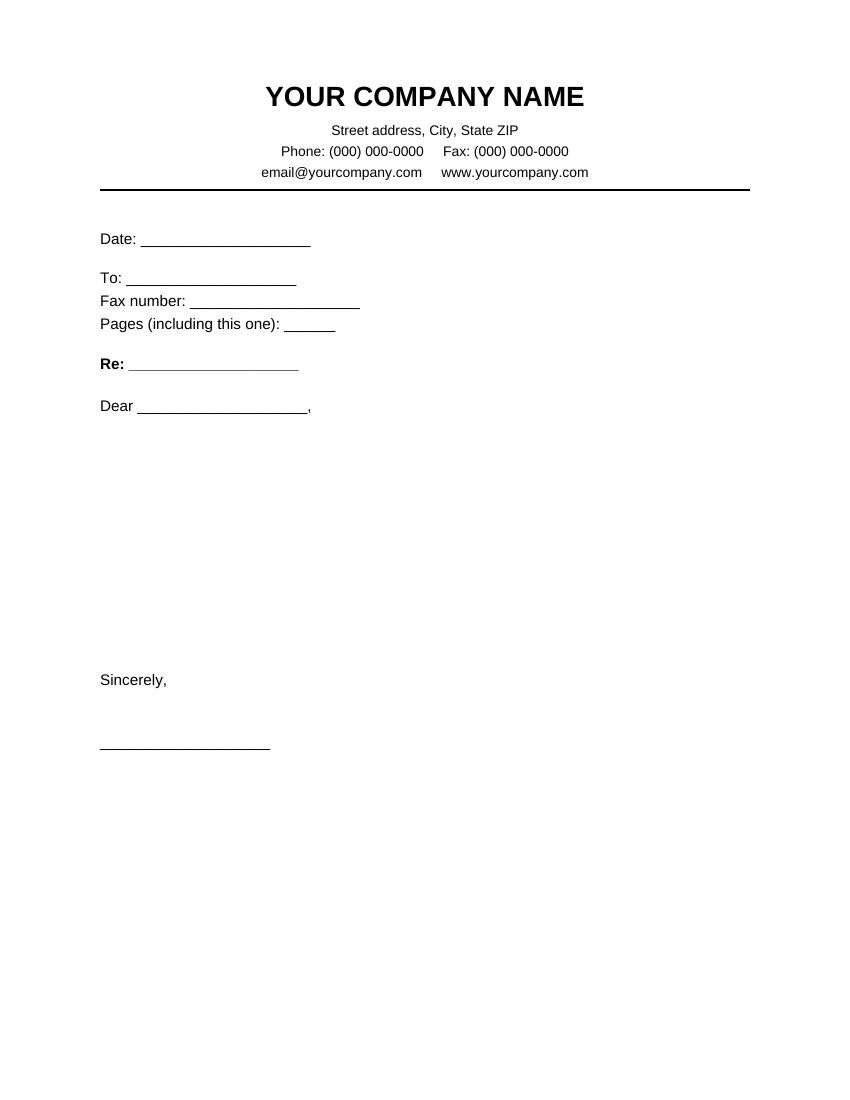
Centered Fax Letterhead
Your company name in bold at the top, with the address, phone, fax, email and website centered below and a line underneath. The page has fill-in lines for the date, receiver, fax number, page count and Re line, then space for your message.
NewWordPDFBest for: offices that want a logo on the left
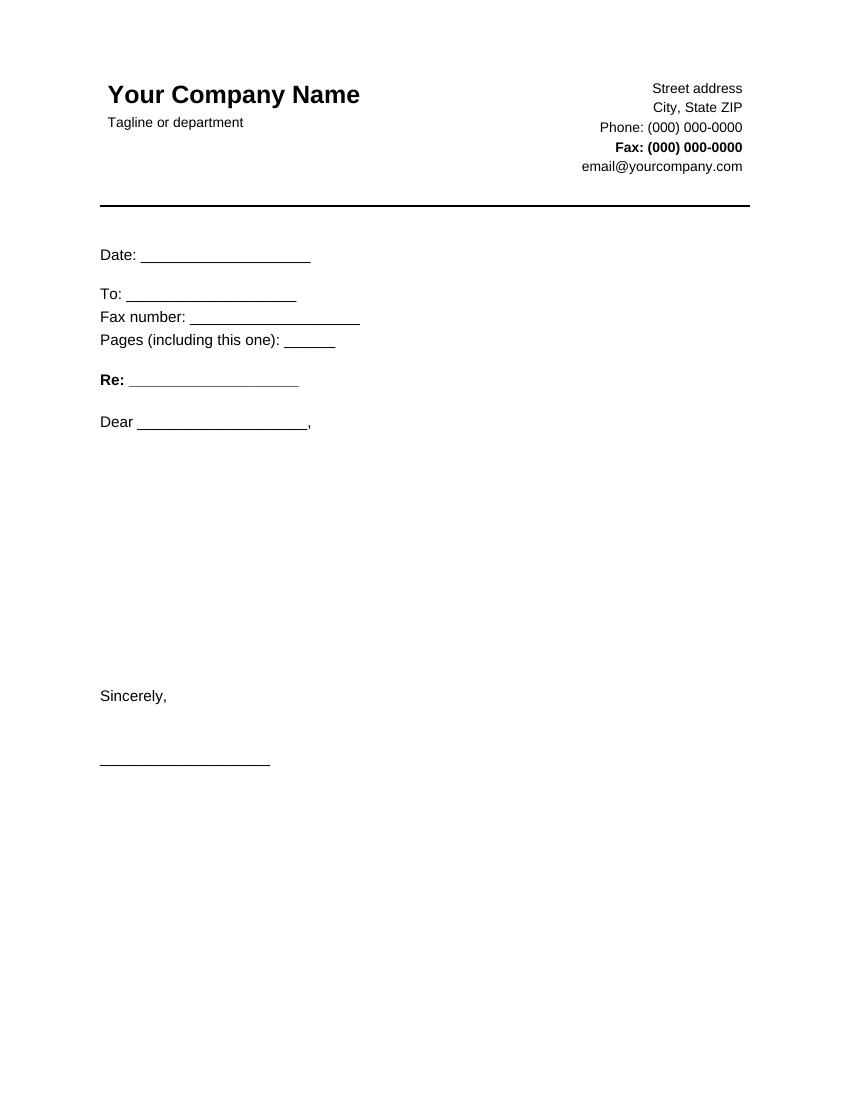
Left and Right Fax Letterhead
Your company name and tagline on the left, with the address, phone, a bold fax number and email on the right. There is room on the left to add a small logo. The fill-in lines below match the centered version.
What to Put on a Fax Letterhead
- Company or person’s name. Make it the largest text on the page.
- Street address. City, state and ZIP are enough for most offices.
- Phone number. The receiver can call you if a page is missing.
- Fax number. This is the one people forget. It tells the receiver where to send their reply.
- Email and website. Optional, but helpful.
- A small logo. Optional. Keep it small, and use a black and white version.
How to Make Your Own Fax Letterhead in Word
- Open a new blank document in Word.
- Type your company name. Select it, click Home, choose a plain font such as Arial at 18 or 20 points, and make it bold.
- Press Enter and type your address, phone, fax and email in 10 point text.
- To add the line under the header, click at the end of the last line, then click the Borders button on the Home tab and choose Bottom Border.
- To add a logo, click Insert > Pictures > This Device, pick your file and drag a corner to make it smaller.
- Save it for reuse: click File > Save As and choose Word Template (*.dotx) as the file type. Next time, open it from File > New > Personal.
You can also start from one of the templates above and just replace the text.
Make Your Letterhead Fax-Friendly
A fax is scanned in black and white, so a letterhead that looks great on screen can look muddy on paper. A few rules help:
- Use black text on a white page. Colored backgrounds turn dark grey and can hide your text.
- Skip light grey and pale colors. Light text can disappear completely.
- Choose a clear font. Thin or fancy fonts blur. Contact details should be at least 10 points.
- Keep the logo small and simple. A big or detailed logo turns into a dark block.
- Use a plain line, not a pattern. A solid line stays crisp. Shaded bars do not.
Fax Letterhead vs. Fax Cover Sheet
| Fax letterhead | Fax cover sheet | |
|---|---|---|
| What it is | The header of a letter | A separate first page with boxes |
| Use it for | A written letter you send by fax | Any fax with several pages |
| Has page count | Only if you add it | Yes |
You can use both. Put a cover sheet on top, then your letter on letterhead behind it. If you only have a short message, a professional fax cover sheet or a standard fax cover sheet is enough on its own. For help with the fields, read how to fill out a fax cover sheet.
FAQs
What is a fax letterhead?
It is the printed header on a letter that shows who you are and how to reach you. For a fax, it should include your fax number.
Do I need a letterhead to send a fax?
No. It is optional. It makes a business fax look more formal, and it gives the receiver your contact details in one place.
Can I use my regular company letterhead?
Yes, if it is clear in black and white. Colored backgrounds and light text may not fax well, so test it by sending a fax to yourself first.
Should my fax number be on the letterhead?
Yes. The receiver may want to reply by fax, and the number saves them a phone call.
Can I add my logo to these templates?
Yes. Open the Word file, click Insert, then Pictures, and add a small black and white logo.