
Free Printable Fax Cover Sheet PDF Fillable Template
A fax cover sheet PDF is the easiest way to send a neat, clear fax. Below you will find 13 free PDF templates. Three are fillable, so you can type into them on your computer. The other ten are ready to print and fill in by hand. Every sheet is sized for US Letter paper.
Not sure what to write in each field? Read our guide on how to fill out a fax cover sheet, or browse all our fax cover sheet templates, including Word versions.
Fillable Fax Cover Sheet PDF Templates
Open these in a free PDF reader or your web browser, click a field and type. Save the file to attach it to an online fax, or print it for a fax machine.
NewFillable PDFBest for: typing your details on screen
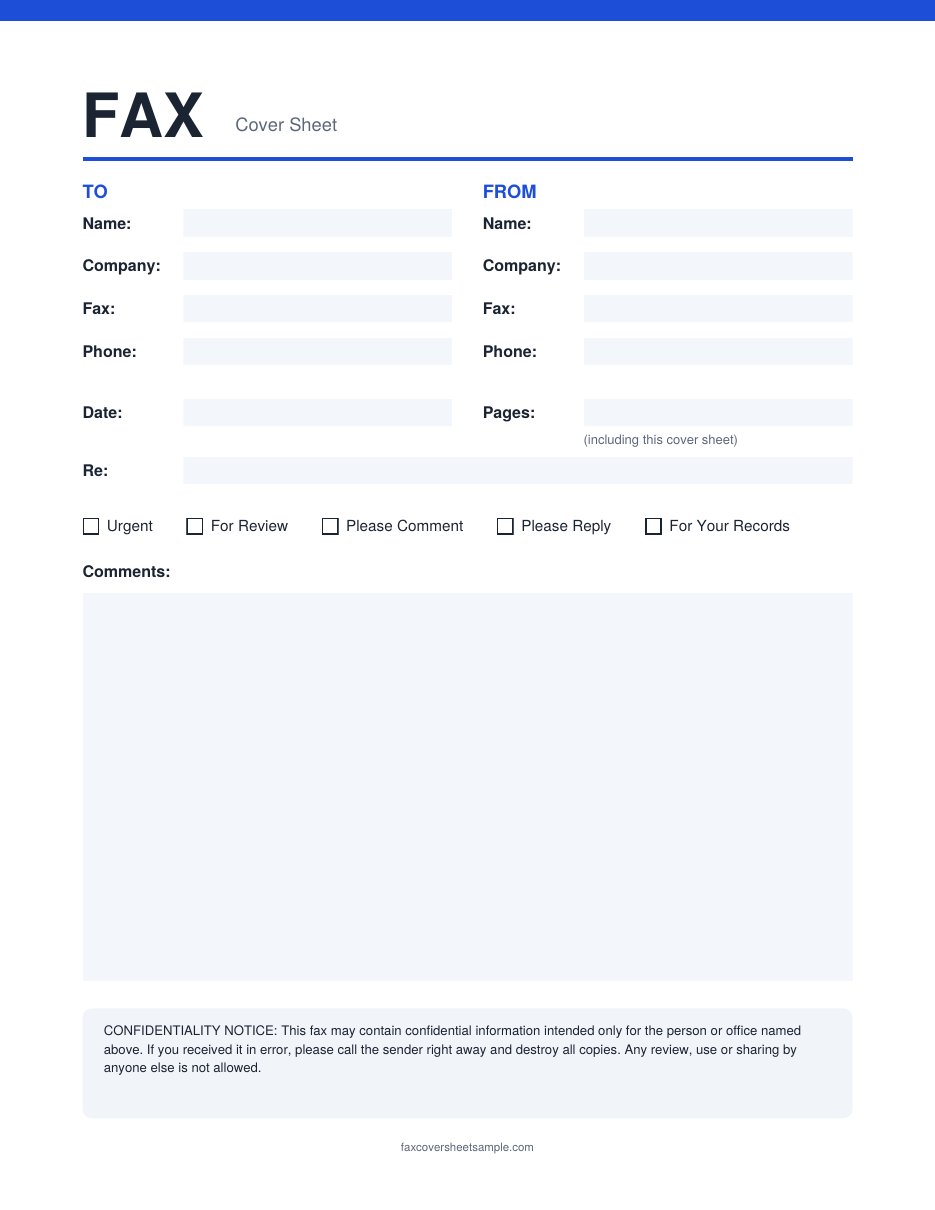
Fillable Fax Cover Sheet
This is the all-purpose fillable sheet. It has To and From fields for name, company, fax and phone, plus the date, page count and a Re line. Tick boxes cover Urgent, For Review, Please Comment, Please Reply and For Your Records, and a large comments box holds a longer message. A short confidentiality notice sits at the bottom.
NewFillable PDFBest for: companies sending faxes every day
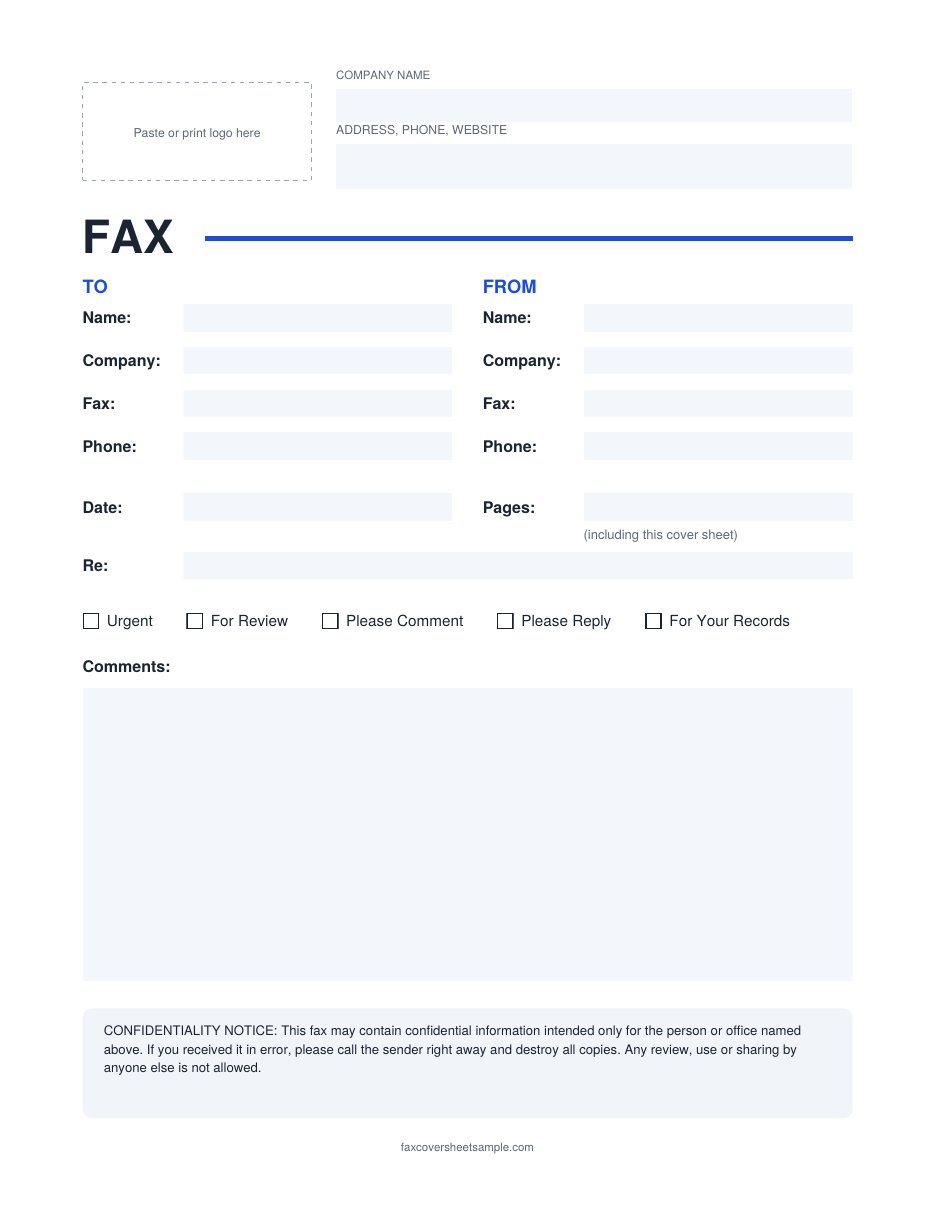
Fillable Business Fax Cover Sheet
This version adds a space at the top for your logo, with fields for your company name, address, phone and website. Type your company details once, save a copy, and you have a ready company fax sheet for every fax after that. All the usual fax fields and tick boxes are below.
NewFillable PDFBest for: medical, legal and financial papers
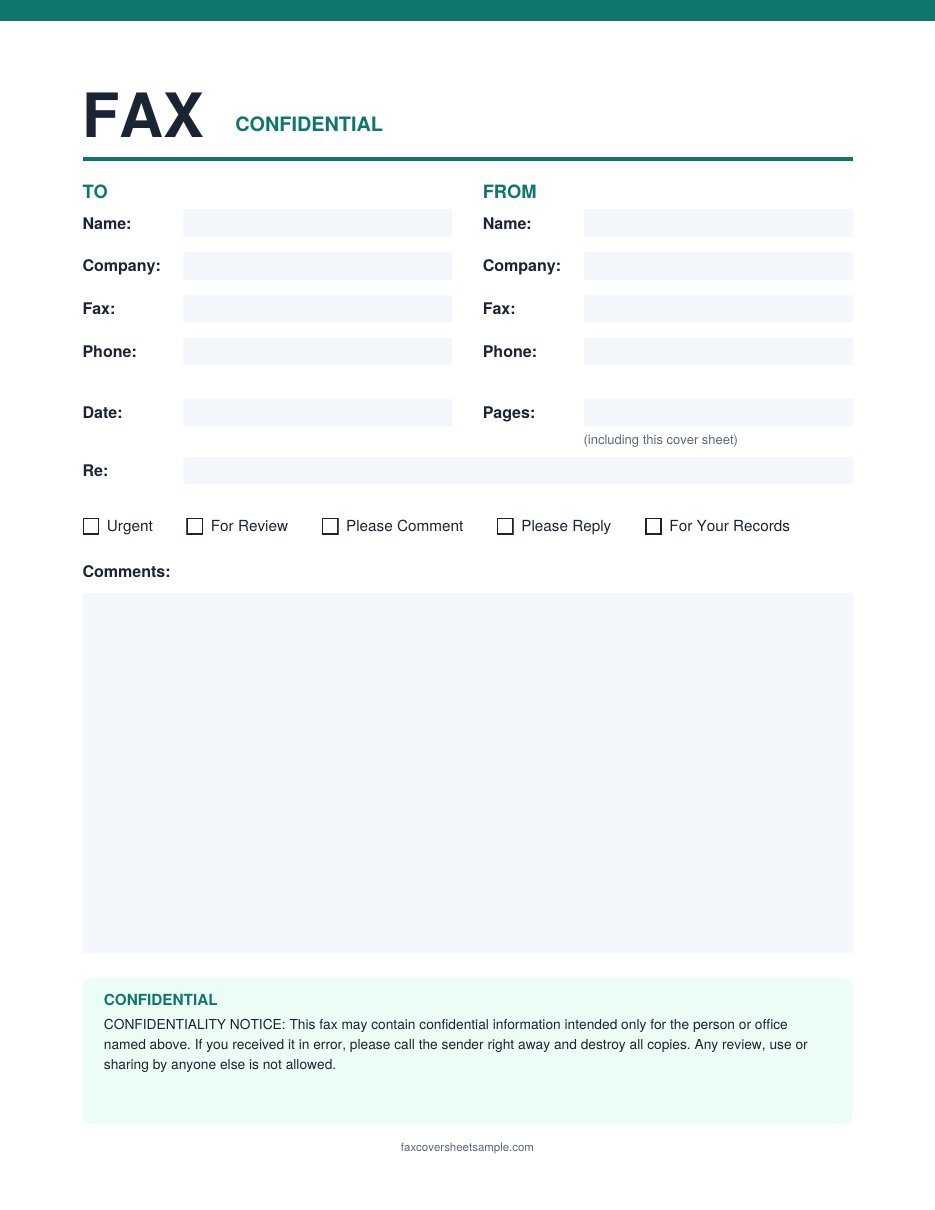
Fillable Confidential Fax Cover Sheet
Use this one when the fax holds private details. “CONFIDENTIAL” is printed under the title, and a highlighted notice at the bottom tells anyone who gets the fax by mistake to call you and destroy the copy. The fields work the same way as the standard fillable sheet.
Printable Fax Cover Sheet PDF Templates
These ten designs are made for printing. Click any preview to see it full size, then download the PDF and fill it in with a pen.
PDFBest for: office faxes that need a quick reply
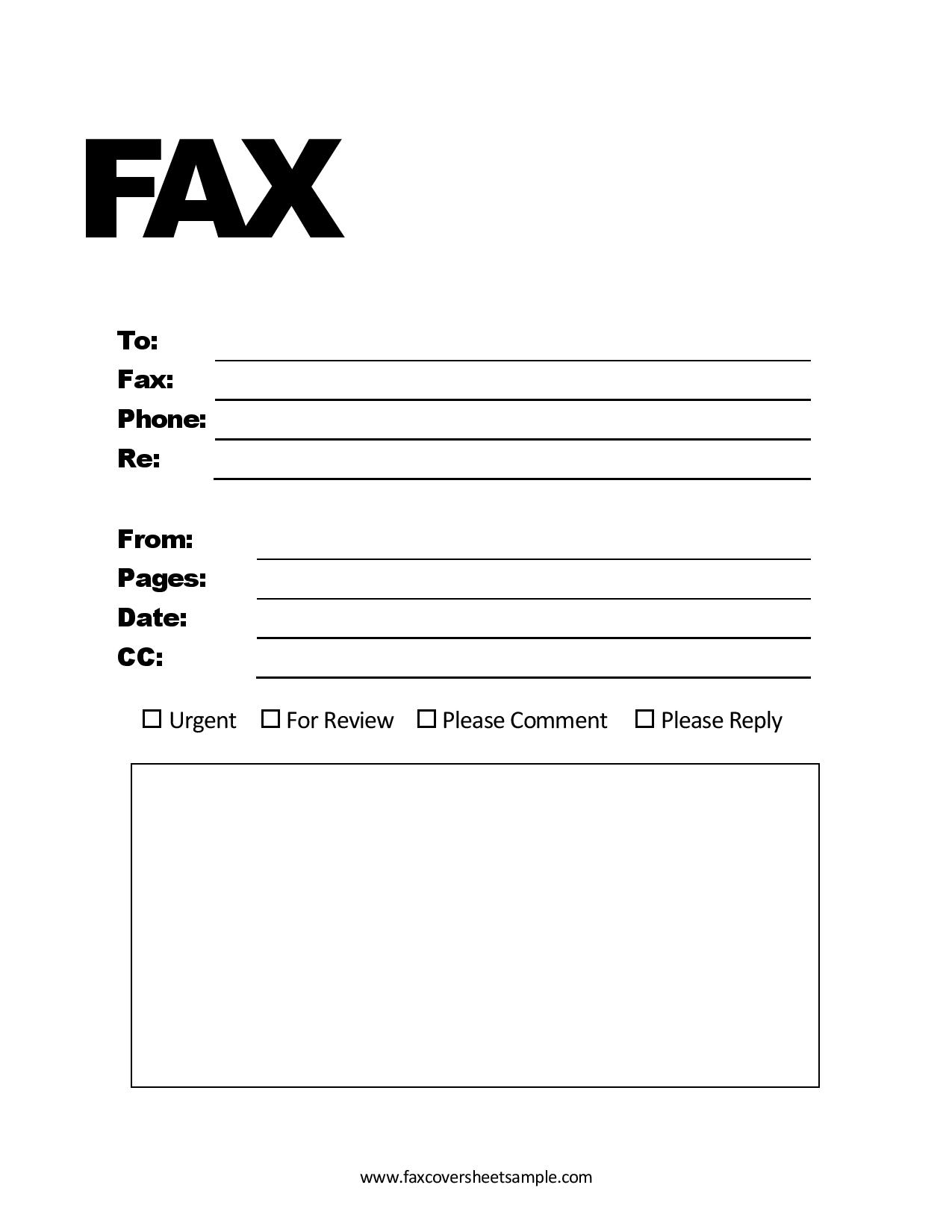
Classic Fax Cover Sheet with Check Boxes
A bold FAX heading with lines for To, Fax, Phone and Re, then From, Pages, Date and CC. Four check boxes (Urgent, For Review, Please Comment, Please Reply) tell the receiver what to do, and a box below holds your message.
PDFBest for: private documents
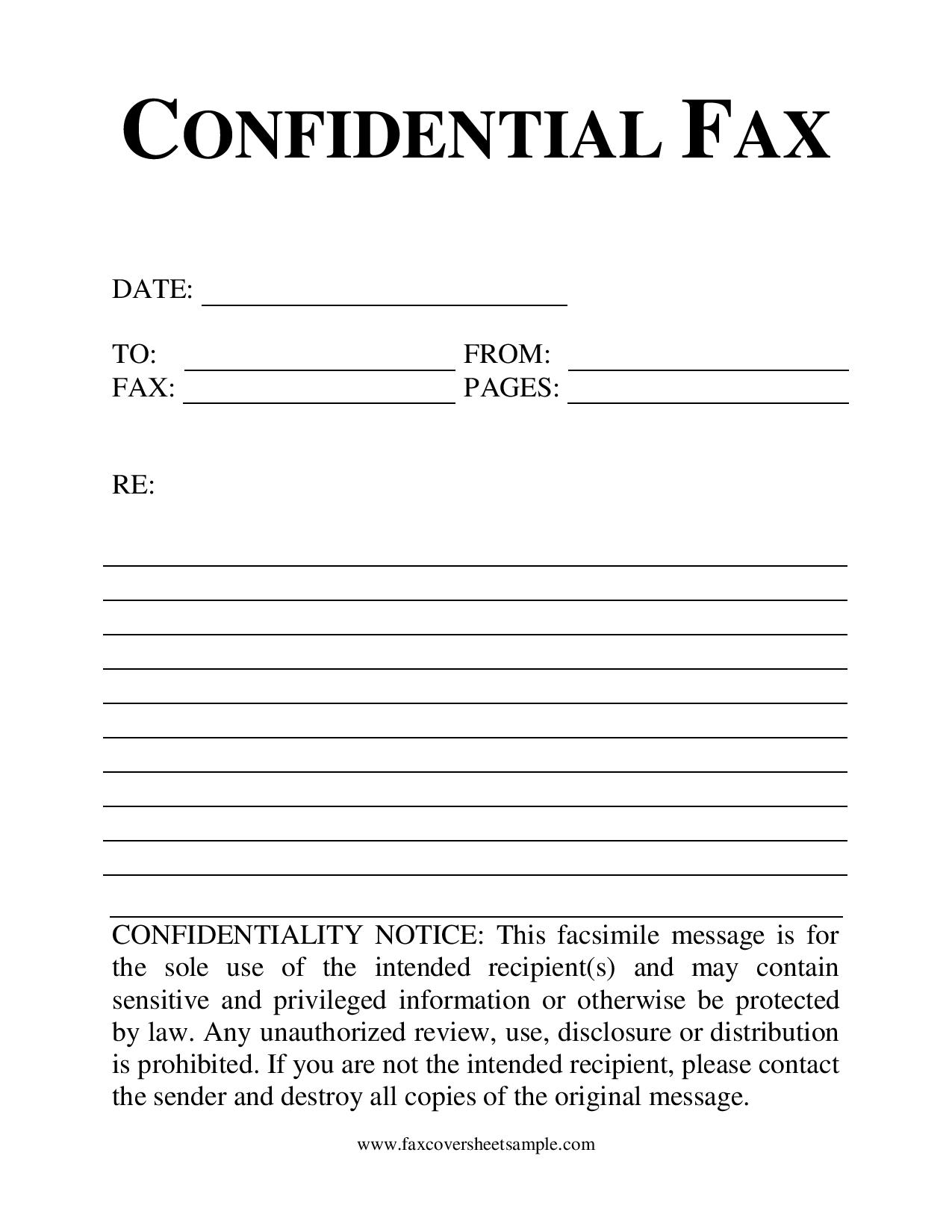
Confidential Fax Cover Sheet (Lined)
A formal serif design with “Confidential Fax” at the top. It has Date, To, From, Fax and Pages fields, a Re line, ruled lines for a handwritten note, and a full confidentiality notice at the bottom.

PDFBest for: a friendly, less formal look
Memo Style Fax Cover Sheet
A typewriter-style title with handwritten-look labels for To, Fax Number, Date, From and Pages. A large Memo box takes up the lower half, so there is plenty of room for a longer note.

PDFBest for: neat handwriting in boxes
Boxed Fax Cover Sheet
A big FAX heading with boxed areas instead of lines: one box for the receiver (To, Fax and Date) and one for you (From, Fax and Pages). A tall Notes box fills the rest of the page.

PDFBest for: a clean two-column layout
Two-Column Fax Cover Sheet
“Fax Cover Sheet” at the top inside a thin page border. From and To sit side by side with matching Fax and Phone lines, followed by Date, Subject and ruled lines for comments.
PDFBest for: short messages
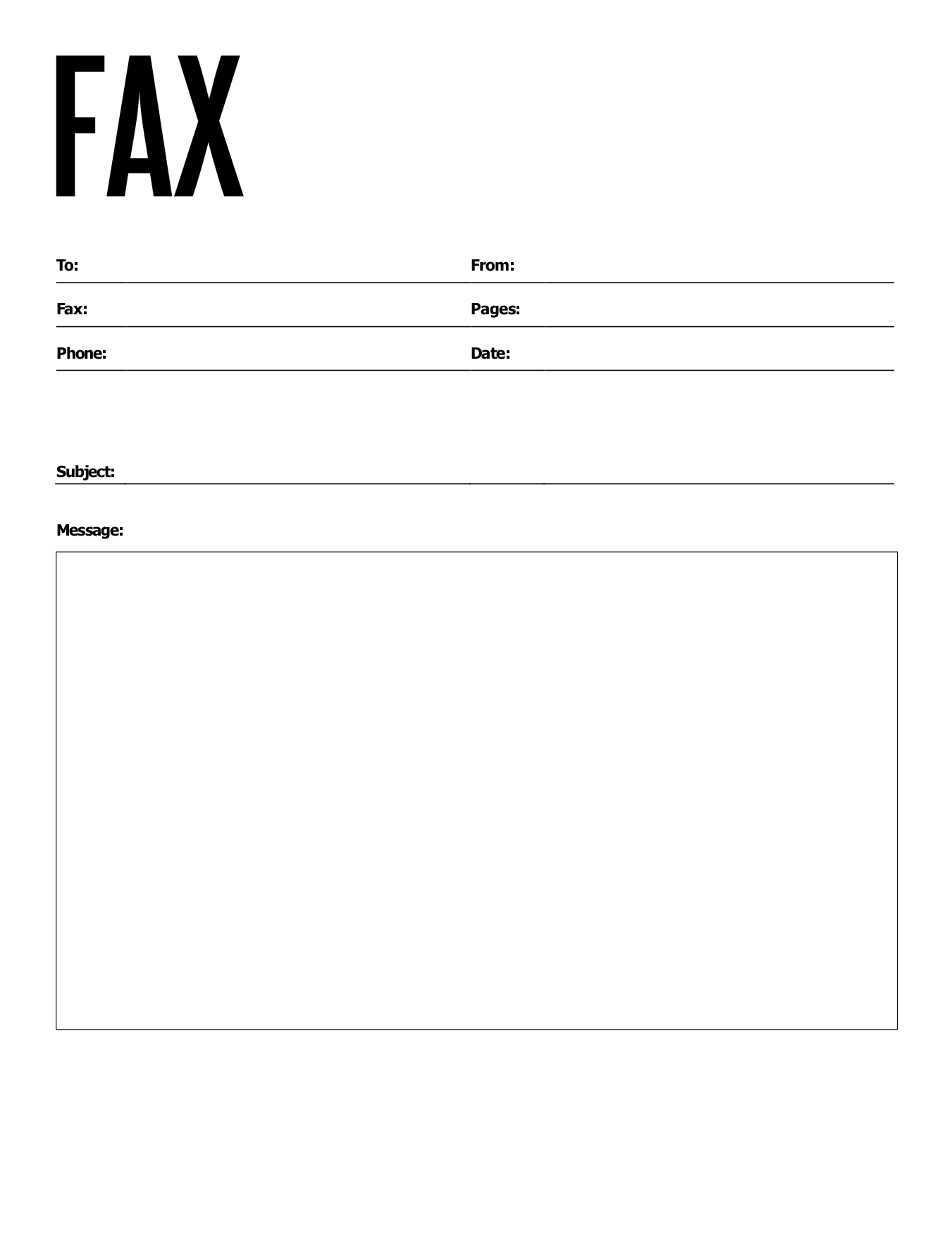
Simple Message Fax Cover Sheet
A tall, narrow FAX title with To, From, Fax, Pages, Phone and Date in two columns. Below are a Subject line and a large Message box. It is one of the simplest layouts here.

PDFBest for: confidential faxes from a business
Confidential Fax Cover Sheet with Sender Box
Your From, Fax and Phone details go in a box at the top left, next to an outlined FAX title. The receiver’s details sit below, with “CONFIDENTIAL” printed in the middle and a statement of confidentiality at the foot of the page.

PDFBest for: a sheet that stands out in a stack
Stamp Style Fax Cover Sheet
A FAX logo that looks like a rubber stamp, with Date and Pages in the top corner. To and From details sit side by side, followed by a Re line and ruled lines for notes.

PDFBest for: time-sensitive confidential faxes
Confidential Memo Fax Cover Sheet
“Confidential” across the top, with To, Fax Number and Date, then From, Time and Location. The Time and Location fields are handy when the receiver needs to know exactly when and where the fax was sent. A Memo box completes the page.

PDFBest for: a clean, minimal look
Minimal Fax Cover Sheet
A large FAX title on the right and only the fields you need: To, Fax and Date, then From, Fax and Pages. The Notes box underneath leaves room for a short message without clutter.
How to Fill In a Fillable PDF
- Download the fillable PDF and save it to your computer.
- Open it in Adobe Acrobat Reader (free), Microsoft Edge, Google Chrome, or Preview on a Mac.
- Click the first field and type. Press Tab to jump to the next field.
- Click a check box, such as Urgent, to tick it.
- Save the file. In a web browser, use the download or save button so your typing is kept.
- Print it and place it on top of your documents, or attach the saved PDF to your online fax.
Tip: save one copy with only your own details filled in. Next time, you only need to add the receiver, date and page count.
Fillable or Printable: Which PDF Should You Use?
How to Send a PDF Cover Sheet With Your Documents
How you attach the cover sheet depends on how you fax.
Using a fax machine
Print the cover sheet and put it on top of your pages. Check which way your machine feeds paper, face up or face down, so the cover sheet goes through first.
Using an online fax service
Most online fax services let you upload more than one file. Upload the cover sheet first, then your documents. Many services also add their own cover page, so turn that option off or you will send two.
Sending everything as one PDF
Some services only accept one file. Combine the cover sheet and your documents with a free merge tool, such as Adobe’s online Merge PDF tool, or drag the pages together in Preview on a Mac. Keep the cover sheet as page 1.
Lock in your typing before you send
Typed text in a fillable PDF can sometimes disappear when it is uploaded to a fax service. To be safe, print the filled-in sheet to a new PDF using Microsoft Print to PDF on Windows or Save as PDF on a Mac. This turns your typing into part of the page, so it always shows up.
For help with what goes in each field, see our step by step guide on how to fill out a fax cover sheet.
Printing Tips
- Choose Actual size or 100% in the print settings, not “Fit to page”, so the layout does not shrink.
- Print in black and white. Fax machines only send black and white, and dark text comes through clearer.
- Fill in by hand with a dark pen, not pencil, so the writing is readable on the other end.
- Keep a few printed blanks next to the fax machine so you are never searching for one.
More Fax Cover Sheet Templates
- Basic fax cover sheet
- Personal fax cover sheet
- Fax cover sheet for Google Docs
- Professional fax cover sheet
- Fax cover sheet in Word
- Confidential fax cover sheet
- Blank fax cover sheet
- IRS fax cover sheet
- Standard fax cover sheet
- Simple fax cover sheet
- Fax cover sheet examples
- Attention fax cover sheet
FAQs
Are these fax cover sheet PDFs free?
Yes. All 13 templates are free to download, print and use for personal or business faxes. No sign-up is needed.
How do I know if a PDF is fillable?
Open it and click on a blank line. If you can type, it is fillable. On this page, the three templates marked Fillable PDF have typing fields. The others are for printing.
Can I fill in the PDF on my phone?
Yes. Open the fillable PDF in the Adobe Acrobat Reader app on Android or iPhone, tap a field and type. Save it, then attach it to an online fax.
Why did my typing disappear after I saved the PDF?
Some browsers only save the blank form. Open the file in Adobe Acrobat Reader, fill it in, and use File, then Save, to keep your text.
Can I edit the printable PDFs on my computer?
Not directly. The ten printable designs are flat PDFs made for a pen. If you want to type, use one of the three fillable PDFs, or the Word versions.